Cold outreach is how a lot of people land their first real job. I’ve landed 4 internships, 1 contract role, and 1 full-time role in tech all by sending emails.
But doing it by hand is slow. This setup uses Apify to find the right people to contact and Claude to draft a personal email for each one, so you spend your time reviewing and sending instead of digging for names and addresses. It is beginner friendly, and you stay in control of everything that goes out. Work through it in order.
What you need first
- A Claude account
- An Apify account, which is the tool that finds your leads. Apify is basically a large web scraper that can pull public business and contact information for you.
- A short list in your head of the job you want, the industry, and the city you are targeting
What each tool does
Apify finds the people. It gathers real leads that match what you are looking for, including names, companies, locations, and emails.
Claude does the writing. It takes those leads and drafts a personal email for each person based on who they are.
You do the final check. Nothing sends automatically. You read every message and send it yourself, which is the part that keeps the quality high.
Step 1: Connect Apify to Claude
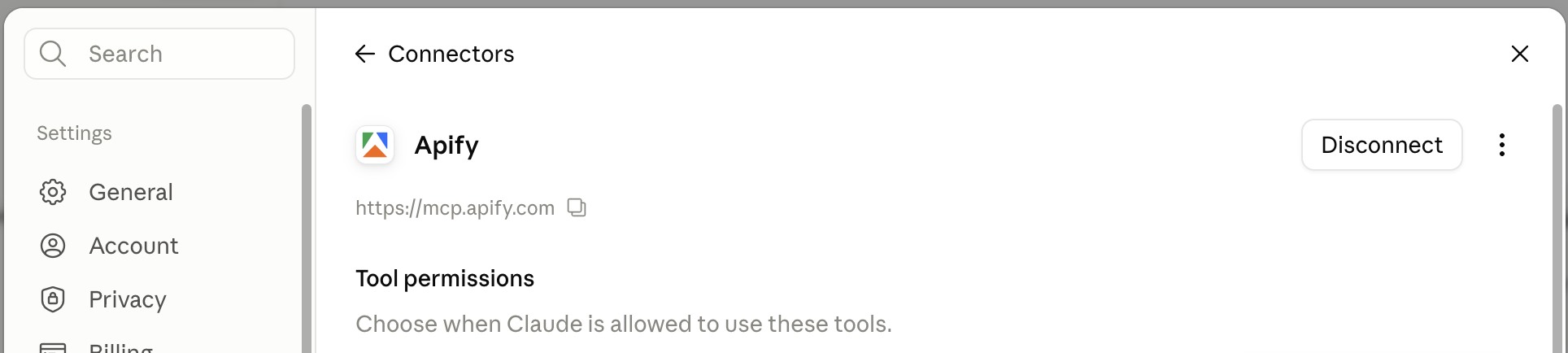
Connect your Apify account to Claude so Claude can use it to pull leads for you. Once it is connected, Claude can run Apify on your behalf inside a normal chat.
Step 2: Tell Claude what you are looking for
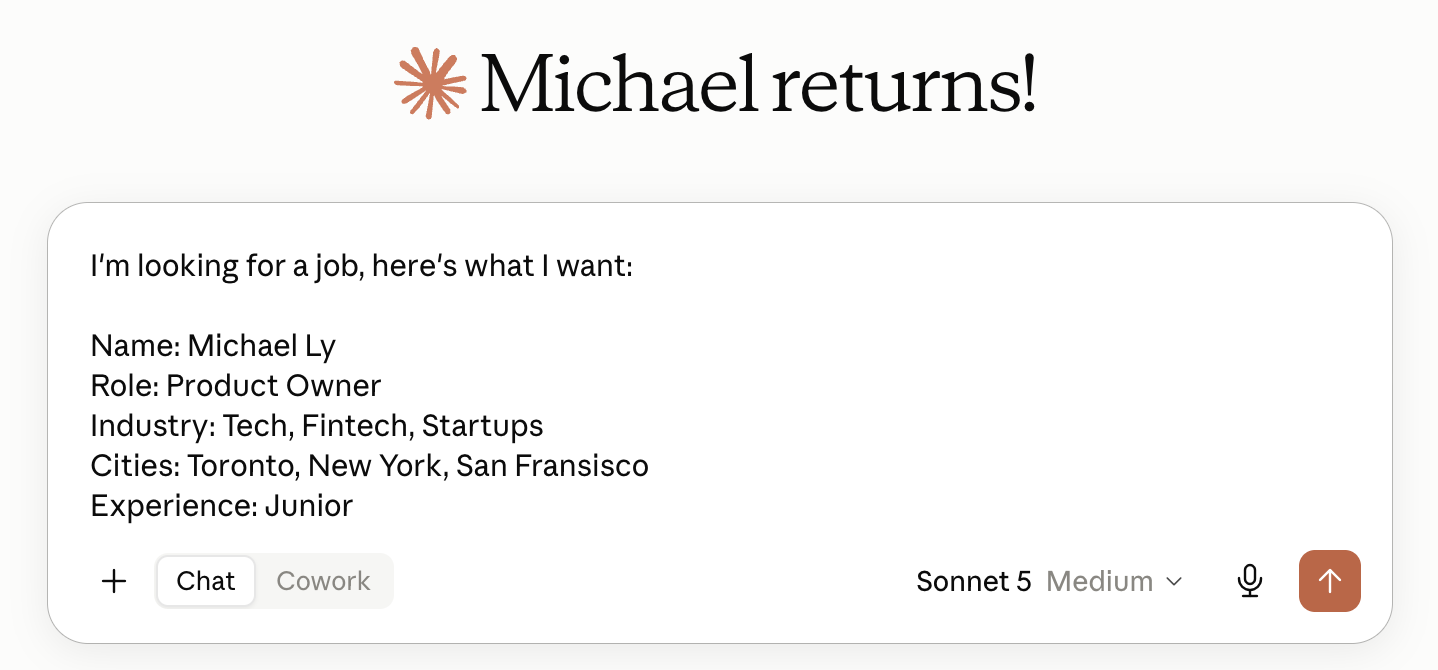
Start a new chat and tell Claude your dream role, your industry, and the city you want to work in. The clearer you are here, the better your leads will be. For example, a marketing coordinator role in tech, based in Toronto.
Step 3: Have Claude pull your leads with Apify
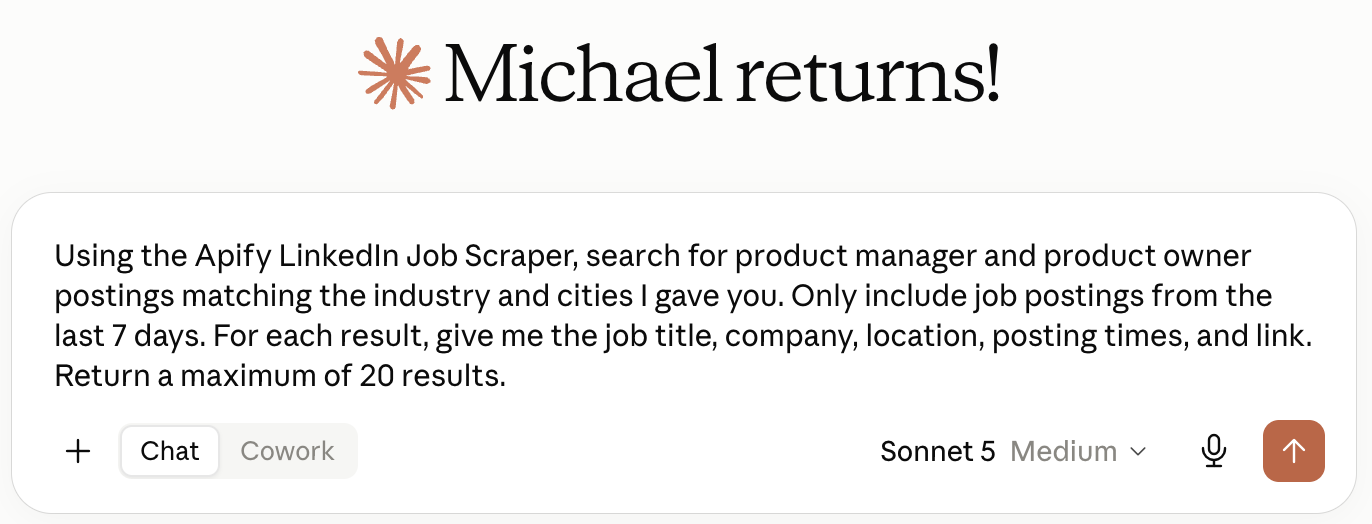
Ask Claude to use Apify to scrape real contact leads that match your criteria, and to give you their names, companies, locations, and most importantly their emails. This is the list you will reach out to.
Step 4: Find who is most likely hiring
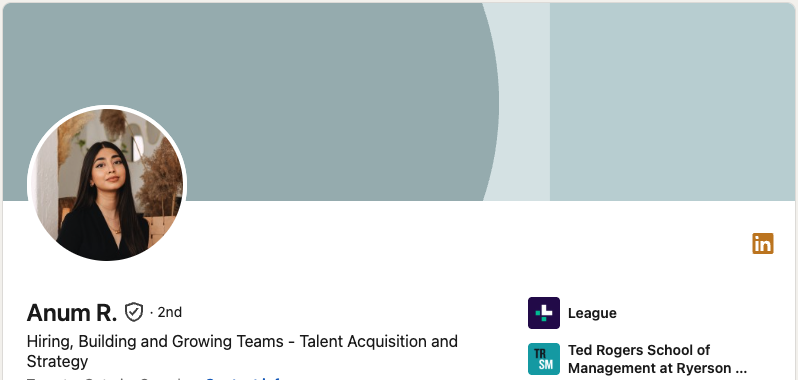
Ask Claude to look through those leads and point out who is most likely hiring in your industry right now, so you focus your effort on the people most worth contacting.
Step 5: Draft a personal email for each person
Tell Claude to write a personalized email for each person you want to contact, using what it knows about them and the role you are after. You want each one to feel written for that specific person, not copied and pasted.
The part most people skip
Always read every message yourself before it goes out, and send it yourself. Do not automate the sending. Quality beats quantity here every time. Ten personal emails that clearly speak to the person will get you further than a hundred generic ones.
Quick recap
- Use Apify to find your recruiters and hiring managers
- Use Claude to draft a personal email for each of them
- Use yourself to review every message before you hit send
That is the whole system. Find the right people, write to them like people, and stay the human in the loop the entire way.