Voice dictation that works in every app, for free. I switched from Wispr Flow (200,000+ words in) and have used Vowen daily for three months.
Vowen does what Wispr Flow does: hold a key, talk, and your words appear wherever your cursor is, cleaned up. Dictation is free and unlimited, forever. Not sponsored.
Before you start
- A Mac on macOS 14 or later, or a PC on Windows 10 or later
- 5 minutes
1. Download and install
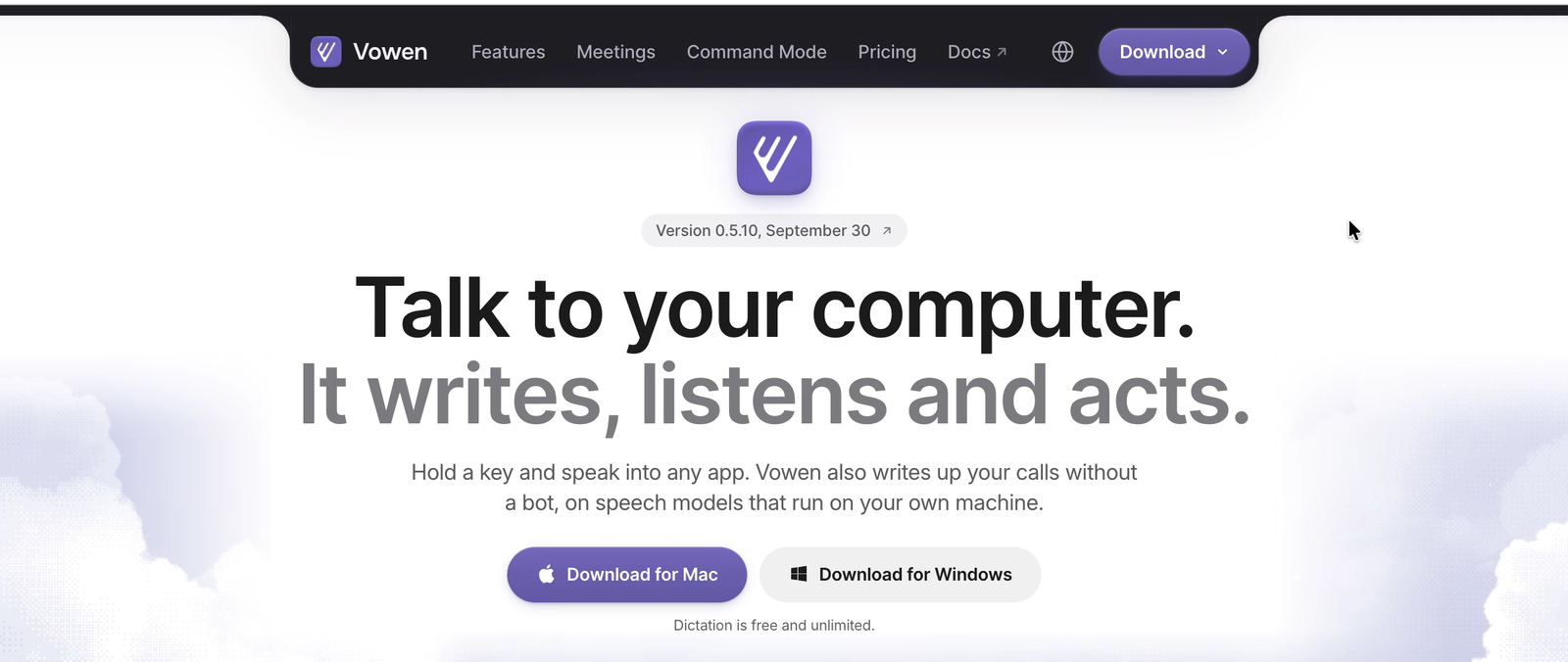
- Go to vowen.ai and click Download for Mac or Download for Windows.
- Open the installer and drag Vowen into Applications (Mac) or run the setup (Windows).
- Open Vowen and grant the permissions it asks for: microphone and accessibility. Accessibility is what lets it type into other apps.
2. Pick a speech model
Open Speech models in the sidebar. You have two routes:
- Local (fully offline, no account): download one of the local models, like Parakeet V2 (430 MB) or Whisper. Nothing leaves your computer.
- Cloud (faster, needs an API key): this is what I use. Click Setup on Groq and paste in a free API key from console.groq.com. Then select Whisper Large v3 Turbo. Groq has a free tier, so this stays free too.
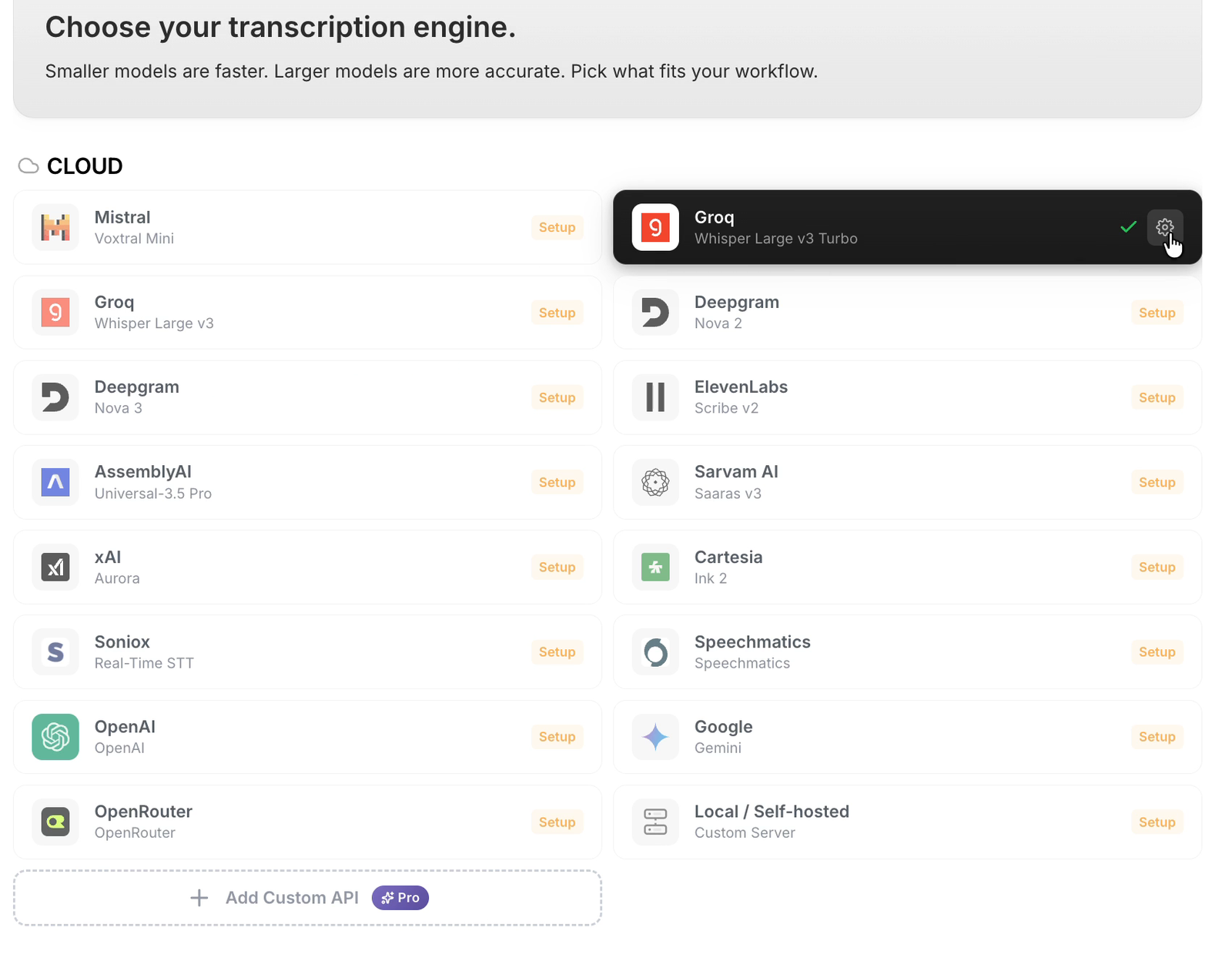
Cloud requests go straight from your computer to the provider you pick, with no Vowen server in between.
3. Dictate anywhere
Click into any text box (email, Slack, Notion, ChatGPT, a doc), then:
- Mac: hold fn and talk. Let go to insert the text.
- Windows: hold Ctrl + Shift and talk.
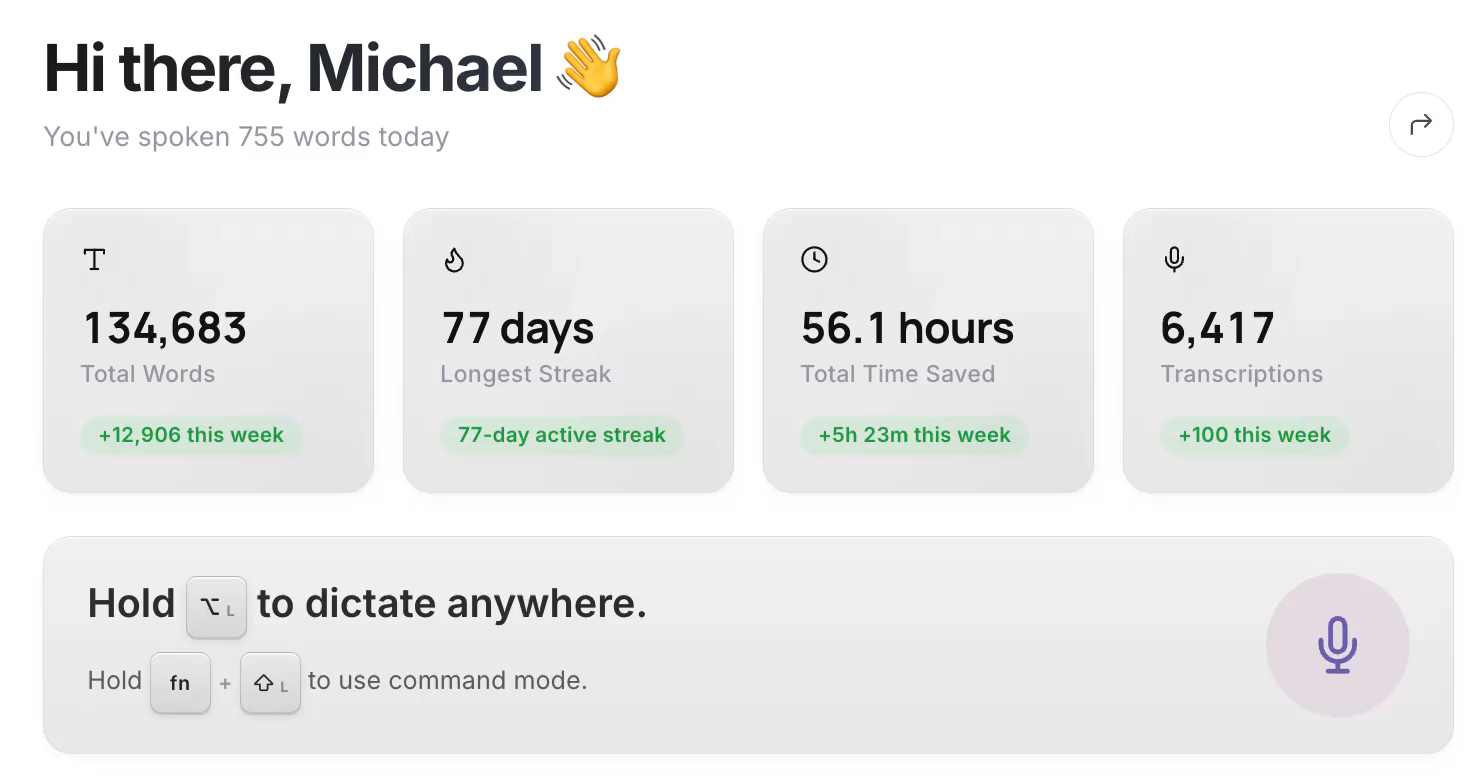
Those are the defaults. Your current shortcut is shown on the Vowen home screen (I changed mine to Left Option), and you can change it in Settings. The home screen also tracks words spoken, your streak and time saved.
4. The features worth setting up
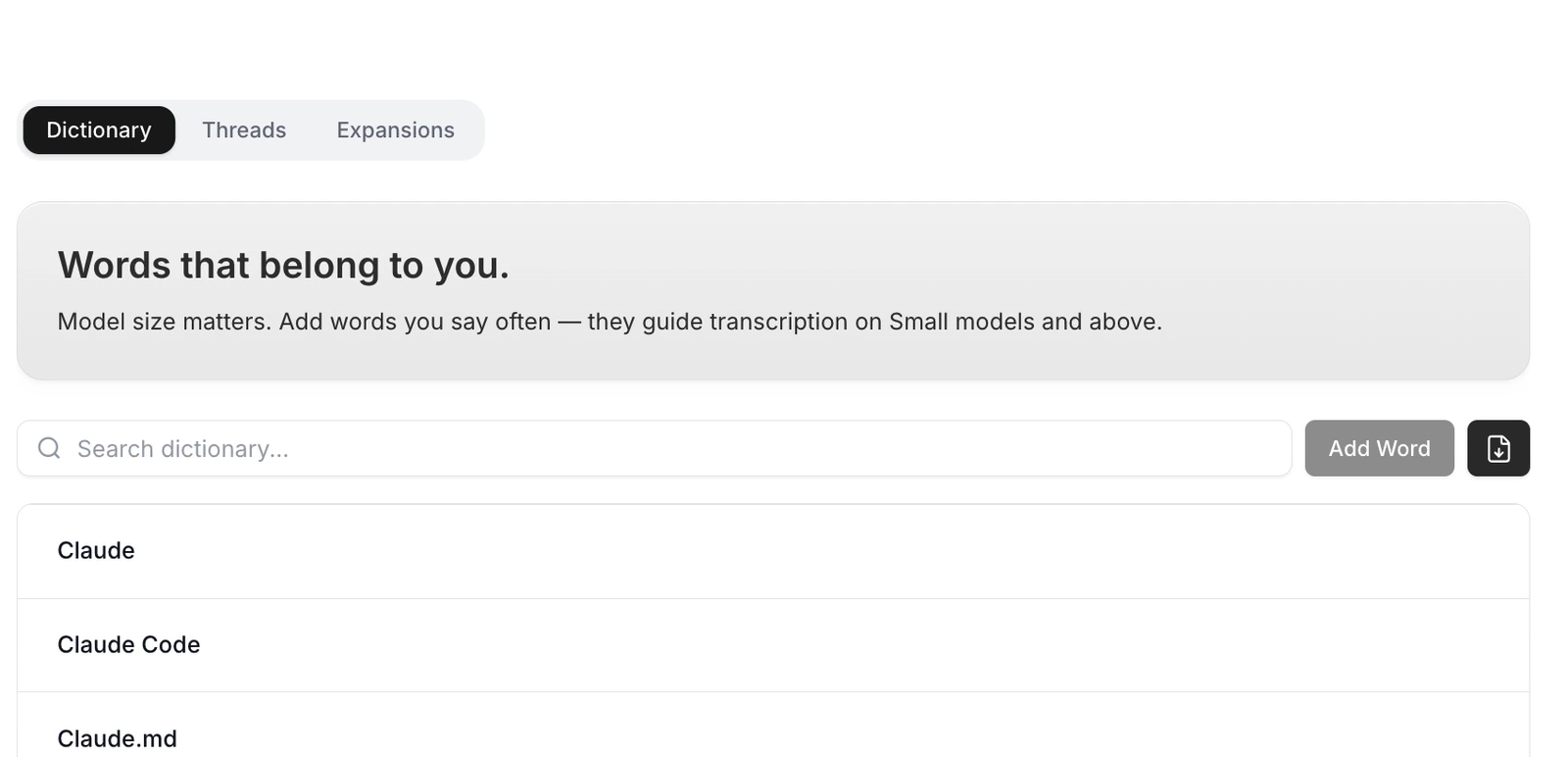
Dictionary. Add names and jargon it gets wrong (your brand, product names, “Claude Code”). It uses them to transcribe more accurately.
Voice shortcuts. Say a trigger phrase to open apps, search the web, or ask an AI hands-free. Built-in ones include “google”, “youtube” and “ask claude”.
Meeting notes. Open Notes and hit Start Taking Notes during a call. It records both sides without a bot joining, then gives you a summary and action items. The free plan includes 10 meeting notes.
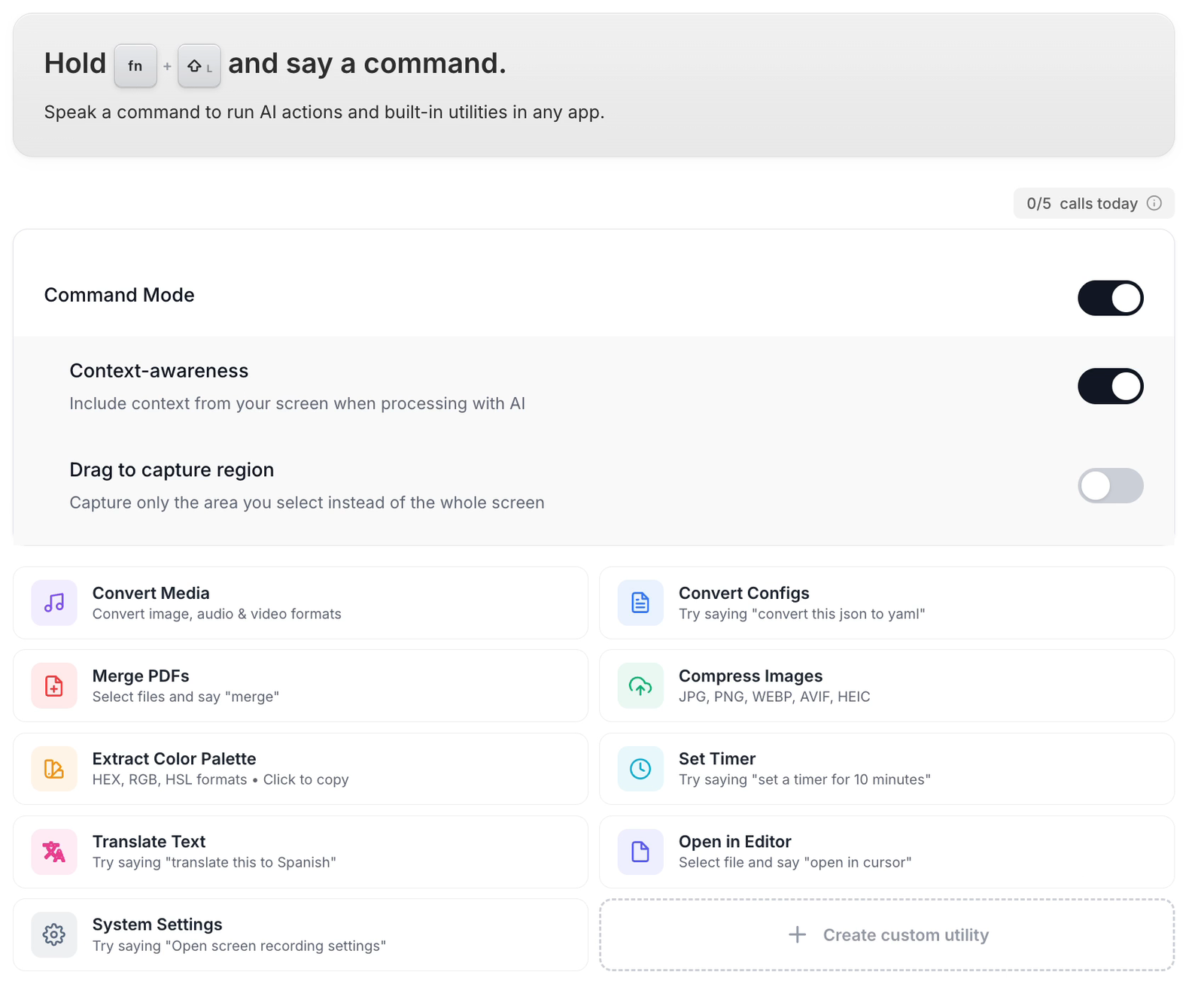
Command Mode. Hold fn + Shift on Mac (Alt + Shift on Windows) and say a command. It can rewrite selected text, translate, convert media files, merge PDFs, compress images and more. The free plan includes 5 Command Mode calls a day.
Free vs Pro
| Free | Pro ($49 one-time) |
|---|---|
| Unlimited dictation | Everything in Free |
| Dictionary and AI cleanup | Unlimited meeting notes and file transcription |
| 10 meeting notes, 10 file transcriptions | Unlimited Command Mode |
| 5 Command Mode calls a day | Tones, expansions, custom voice shortcuts |
For most people, the free plan covers everything you would have paid Wispr Flow $20 a month for.